Finish the space around your photo.
Layer margins, then export exactly what you see at full resolution.
 Google Play Coming Soon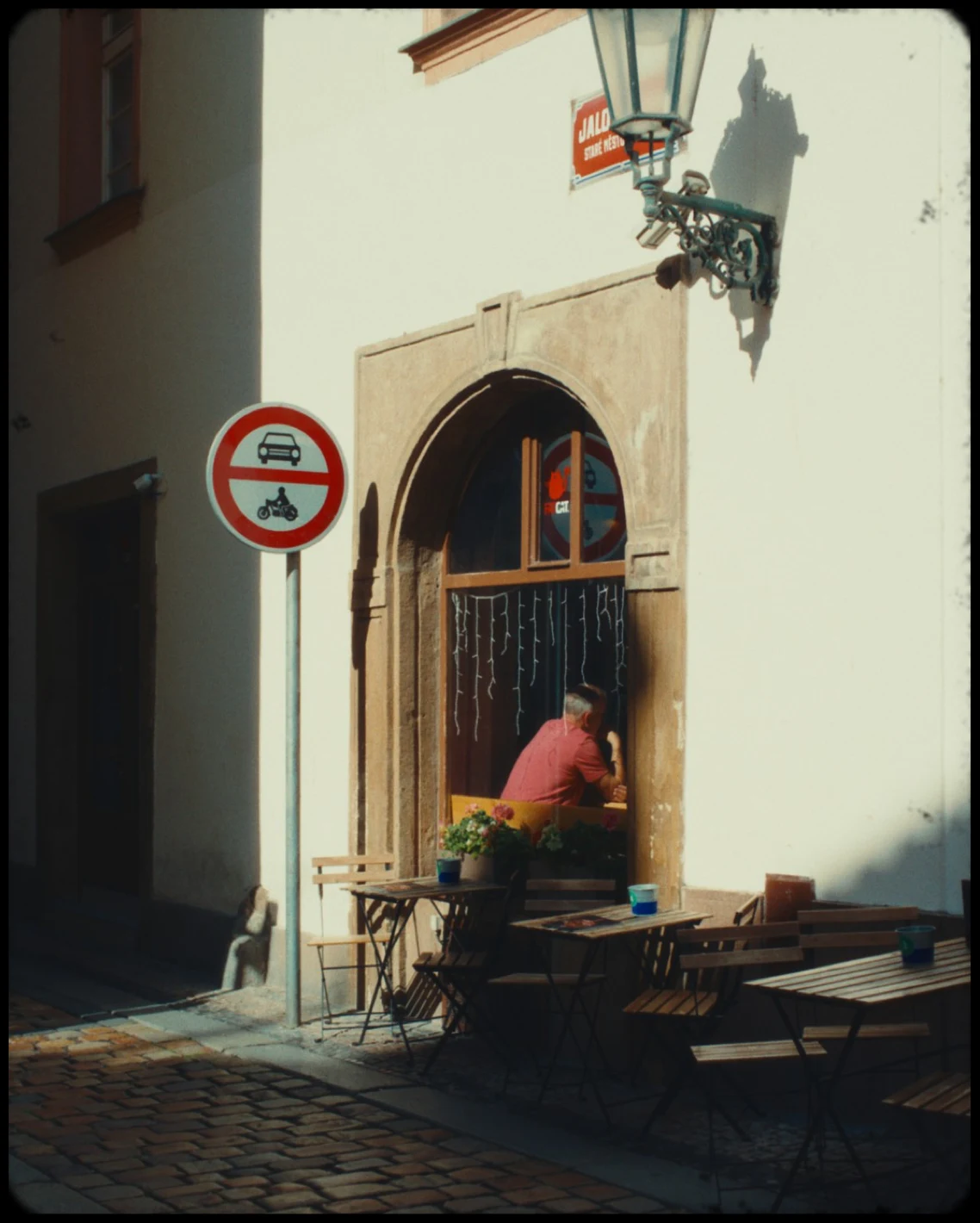
A finished street photograph presented with a thin Letterbox frame
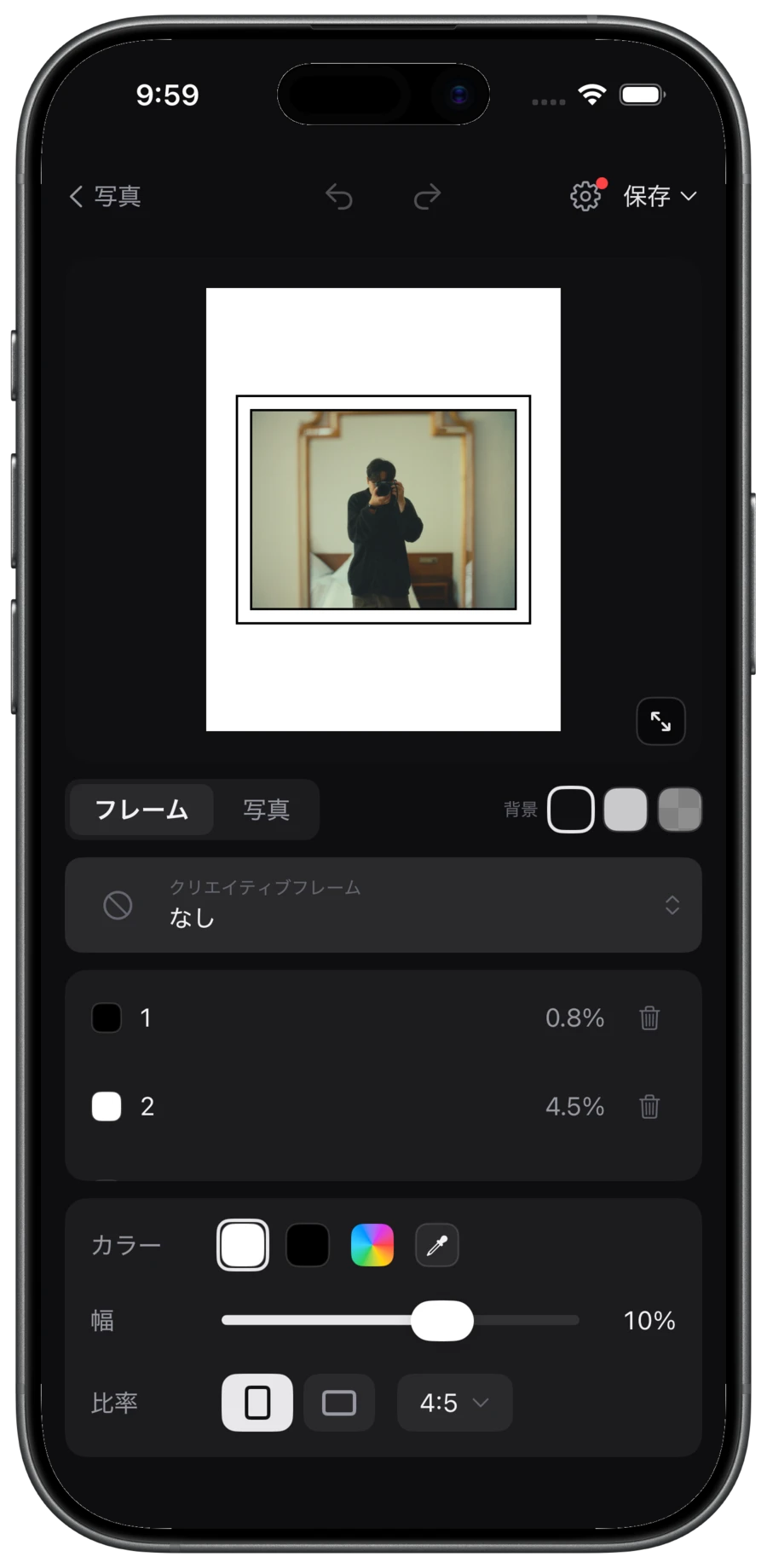
Build the space, layer by layer.
Adjust the color, width, and ratio of each layer, then export the visible result at full resolution.
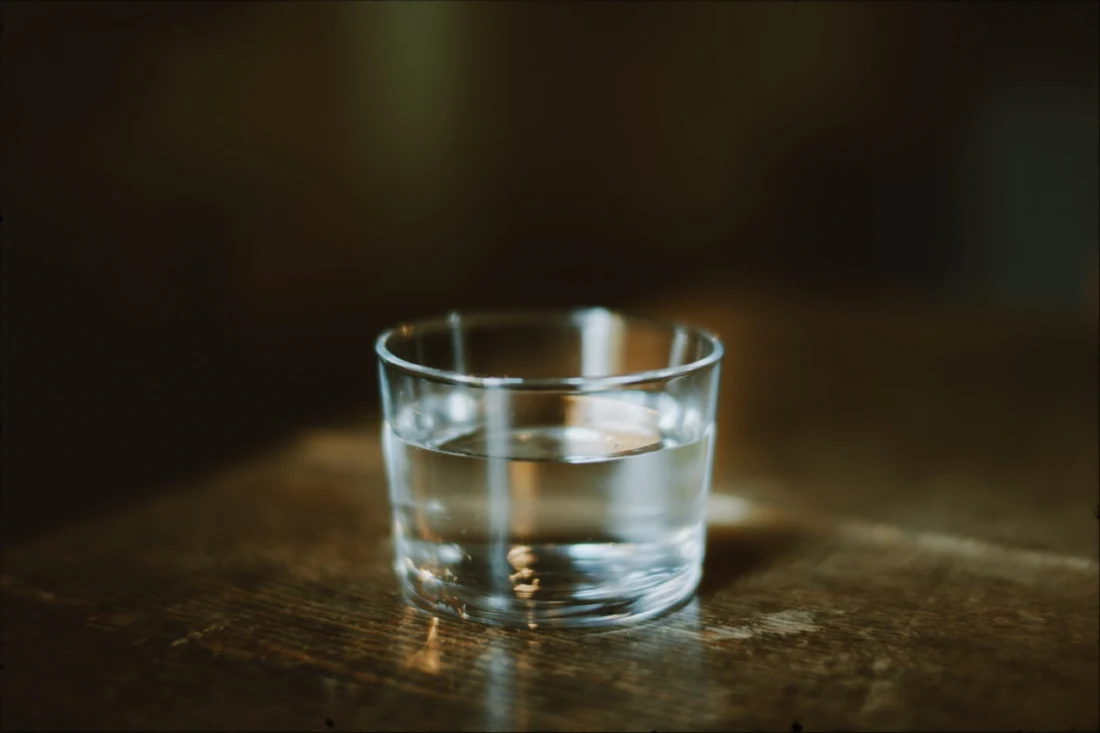
Finish once. Repeat consistently.
Save a finished setup as a preset and apply it to multiple photographs in one batch.
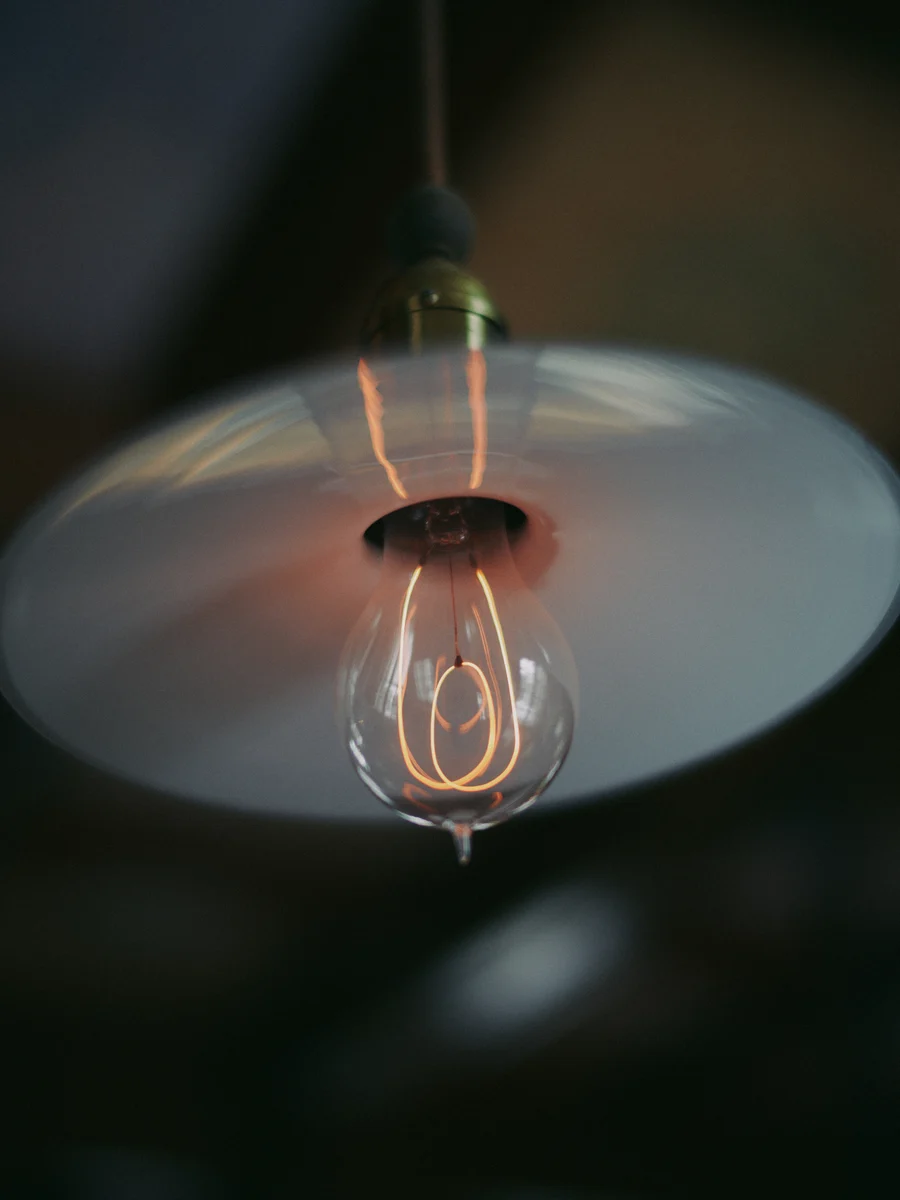
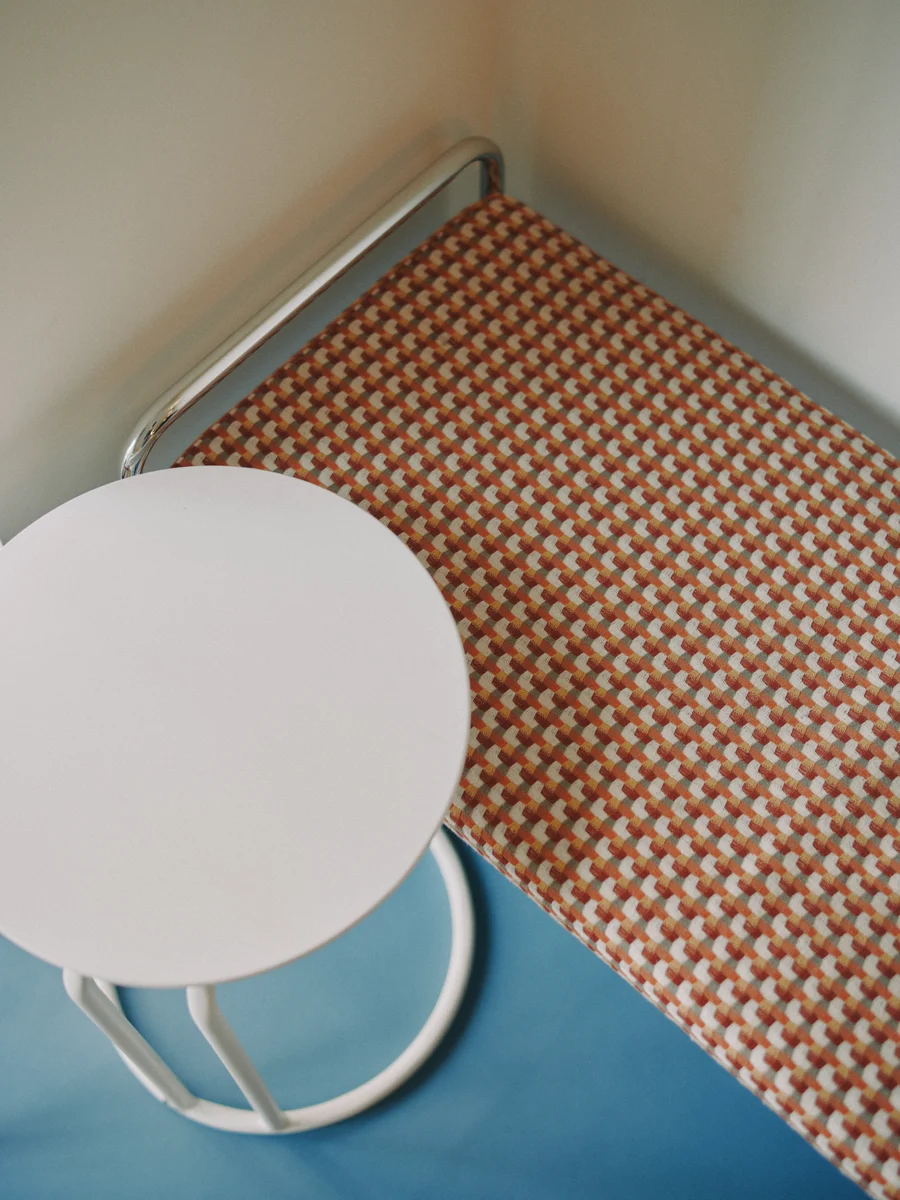
INSET LAB / CREATIVE FRAMES
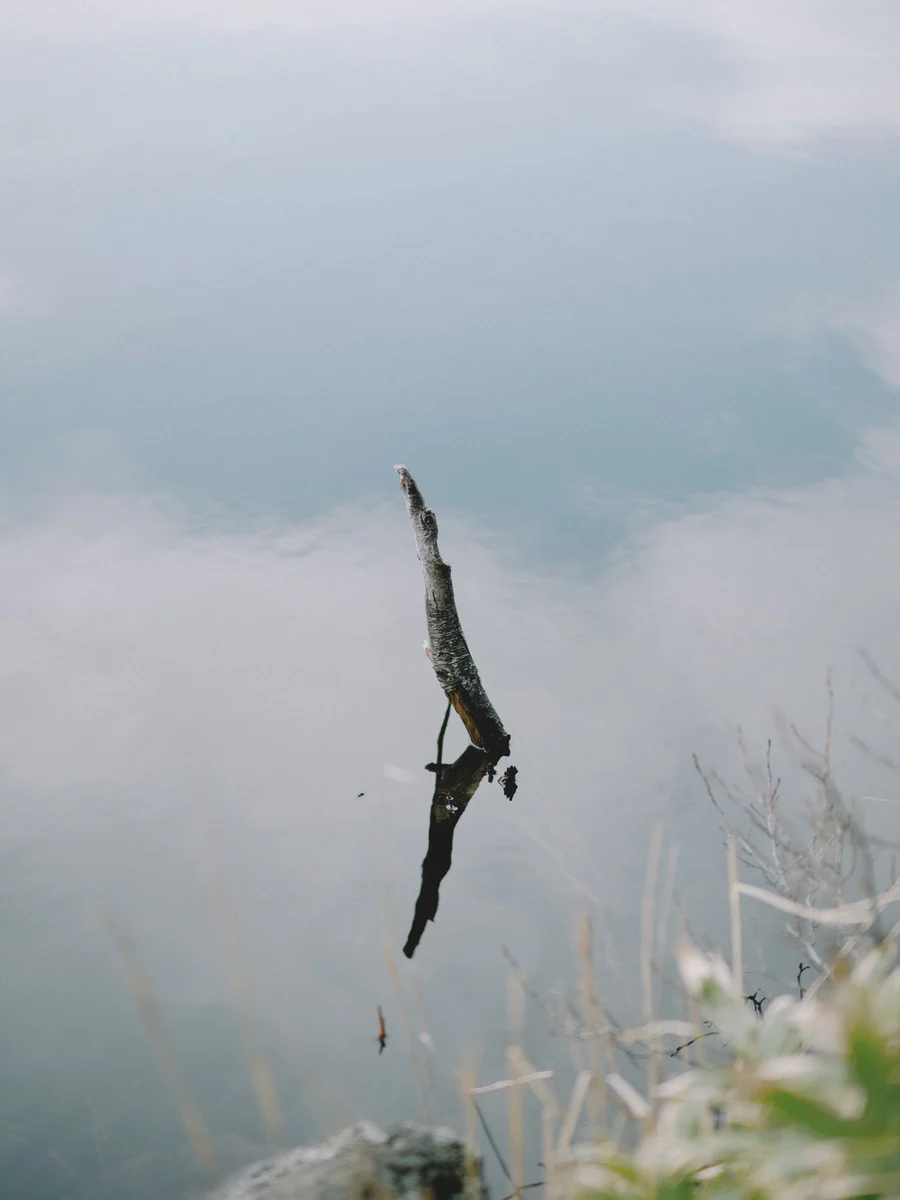
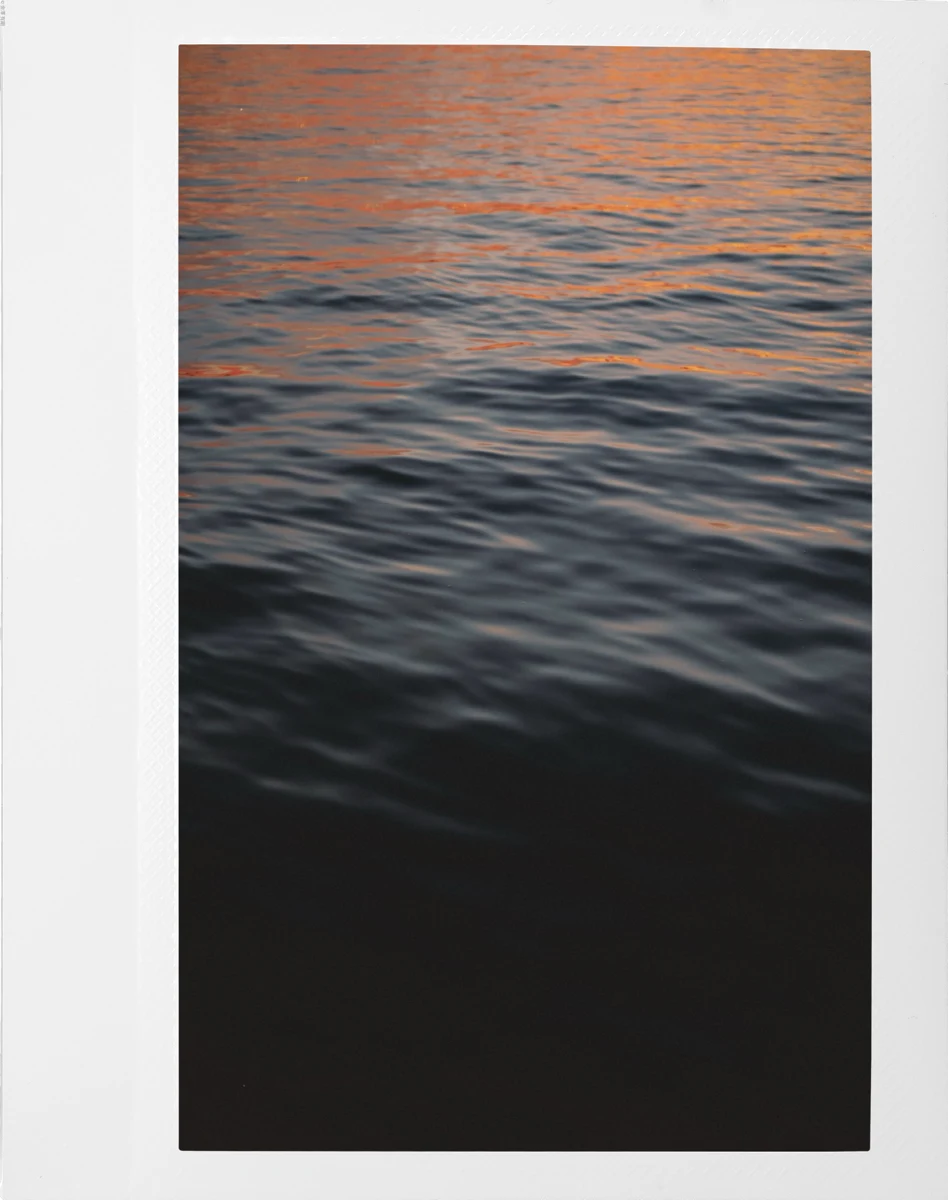
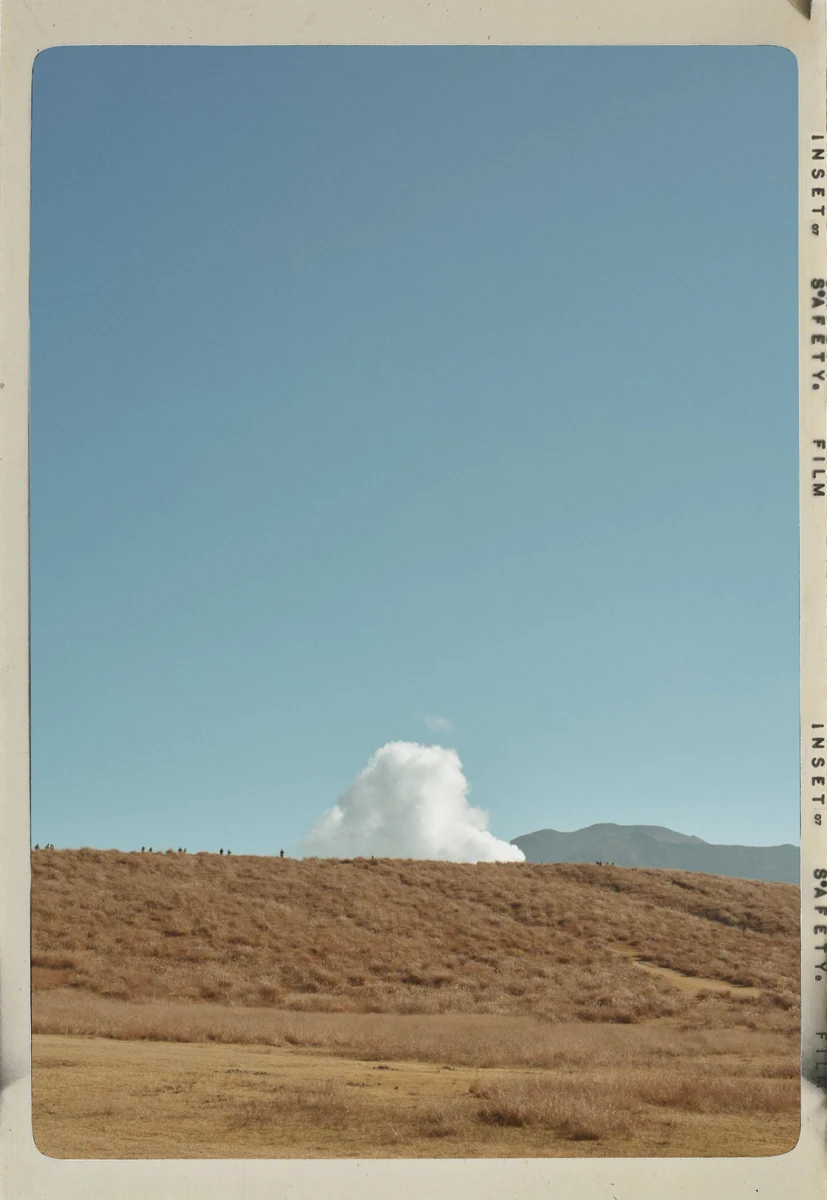
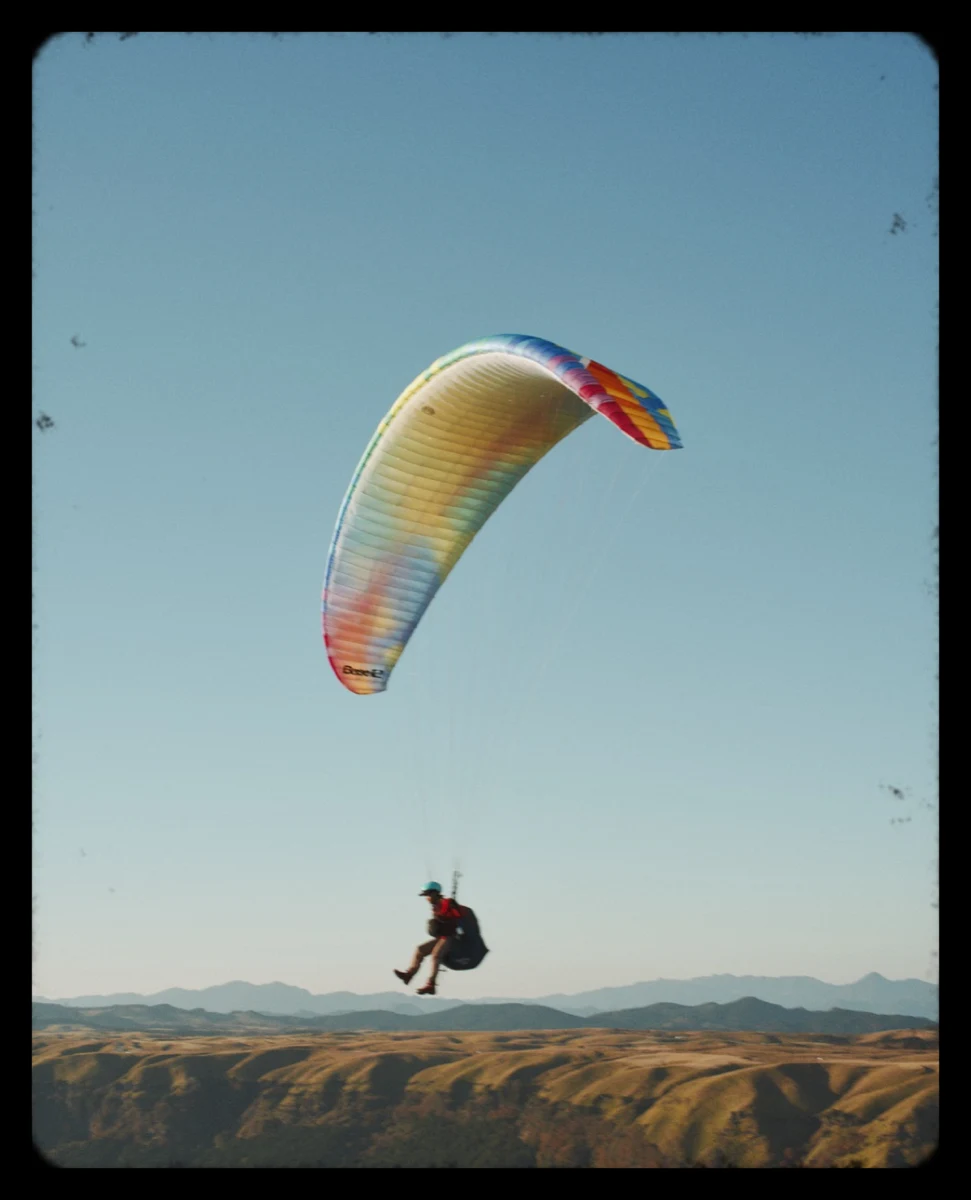
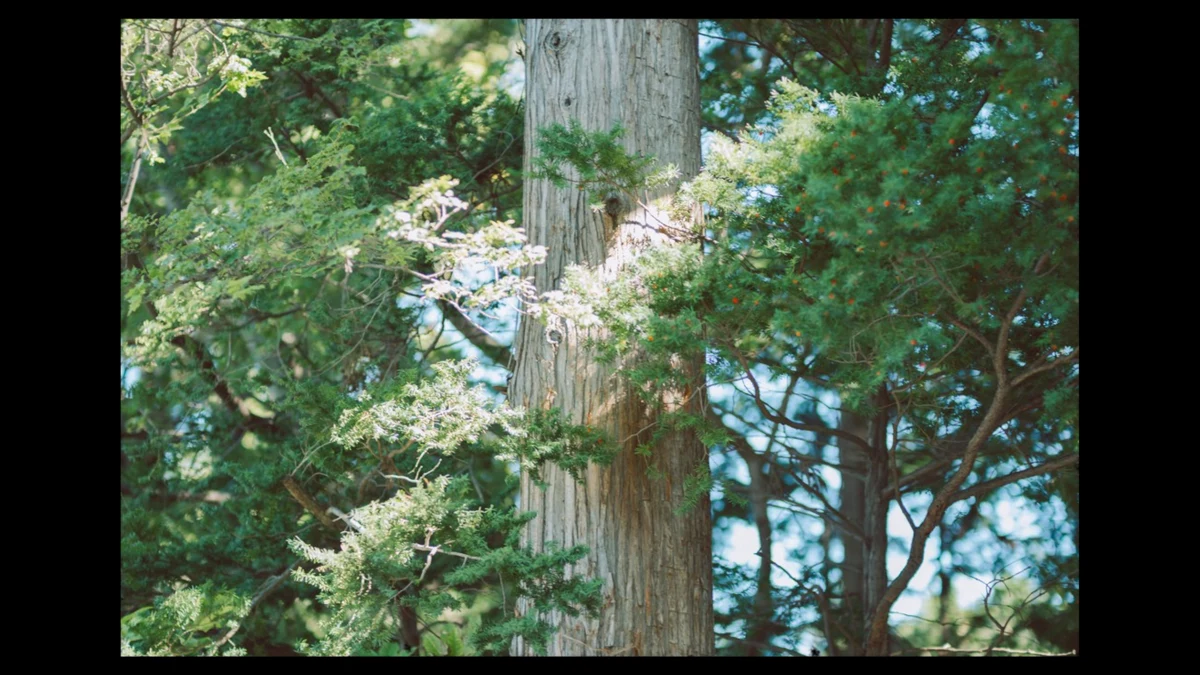
Change the presence, frame by frame.
Inset Lab includes film, polaroid, 35mm, and Letterbox Creative Frames.
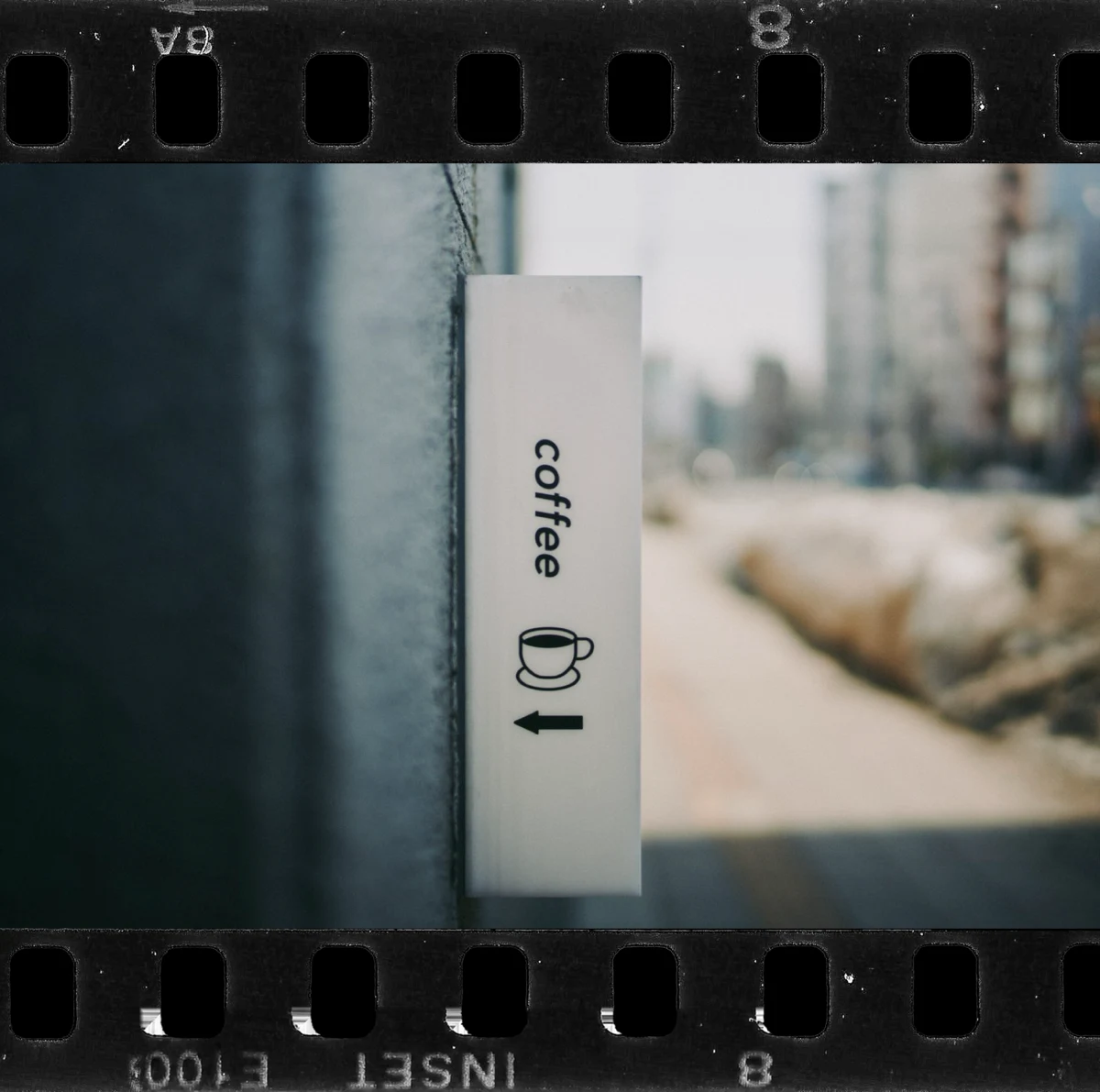
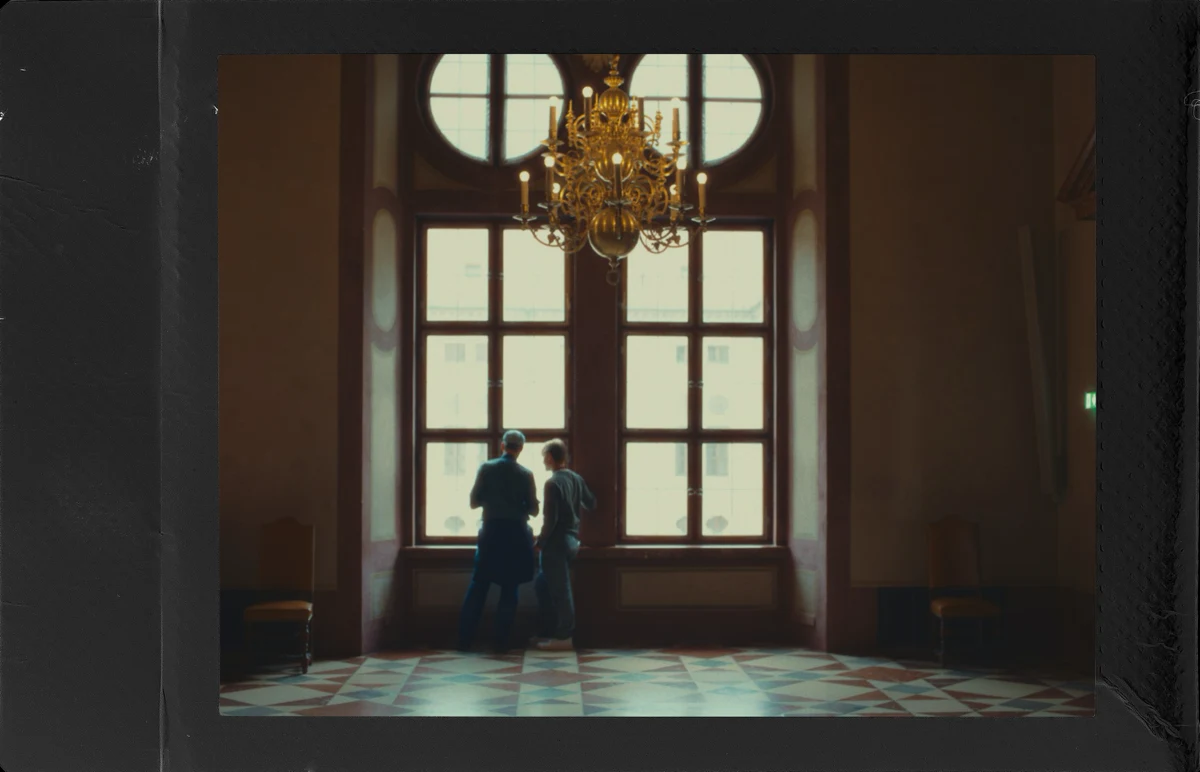
FAQ
Is Inset free to use?
Yes. The core framing, preset, crop, and full-resolution export features are free. Inset Lab is a paid upgrade for Creative Frames and batch processing.
What is Inset Lab?
Inset Lab is the paid upgrade for Creative Frames, favorites, and batch processing of multiple photographs.
Does Inset export at full resolution?
Yes. Inset renders the layout you see in the preview at the full resolution supported by the source photograph.
Can I reuse the same setup?
Yes. Save a setup as a preset and apply it to another photograph. Presets are stored on your device.
Is an Android version available?
Not yet. Android is in preparation. A release date and Google Play URL have not been announced.
 Google Play Coming Soon